I had a need for this the other day while prepping a timeline and couldn't find anything quickly. I needed a straightforward way to rip CDL data—Slope, Offset, Power, and Saturation—out of an Avid Log Exchange (.ale) file and pack it into a standard Color Correction Collection (.ccc) XML for the pipeline.
Usually, extracting this metadata means firing up a heavy piece of software or navigating a massive proprietary pipeline tool, but I just wanted a lightweight, standalone utility. Since Python is the only language I code in, I threw together a script to parse the formatting and wrapped it in a basic GUI so others wouldn’t need to hit a terminal.
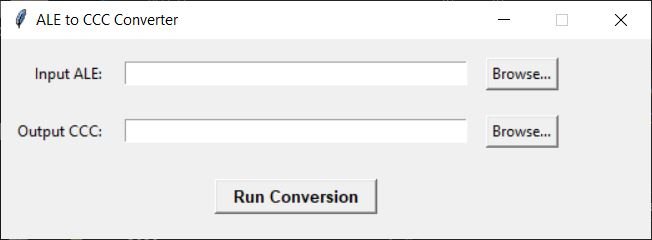
What It Does
The tool is incredibly simple but handles the core pipeline hazards:
Reads the ALE: It locates the
ColumnandDatasections and parses out theASC_SOPandASC_SATvalues.Formats the Math: It converts the raw ALE tuple strings into properly structured XML nodes.
Namespace Protection: If a source clip is cut multiple times in your timeline, it auto-increments the ID strings so your downstream conform tools don't overwrite duplicate CDL tags.
It runs locally, requires no external dependencies (the GUI uses standard tkinter), and outputs a perfectly formatted XML tree ready for OpenColorIO or your finishing system of choice.
Here is the download if anyone needs it:
happy to help,
JD