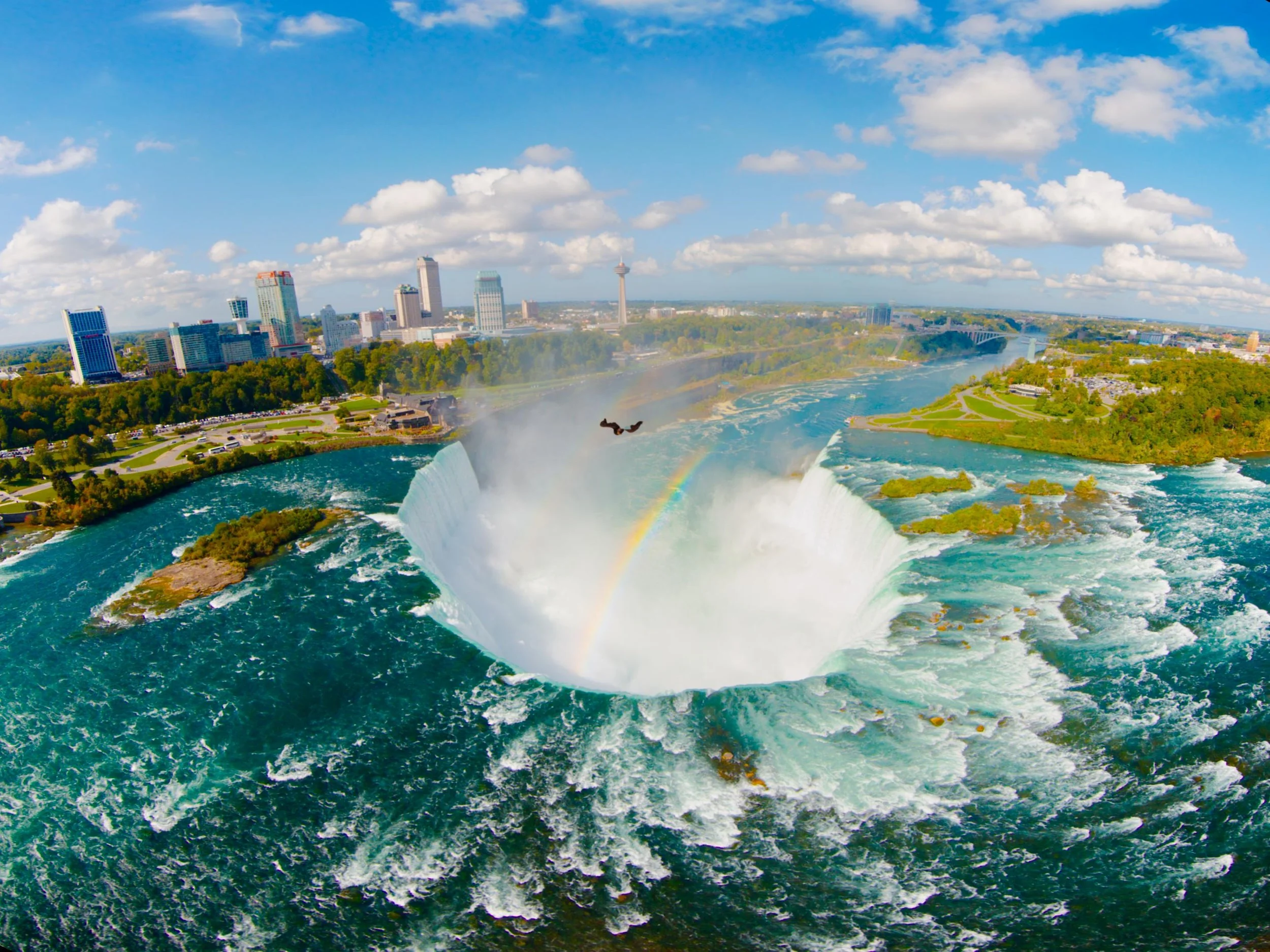
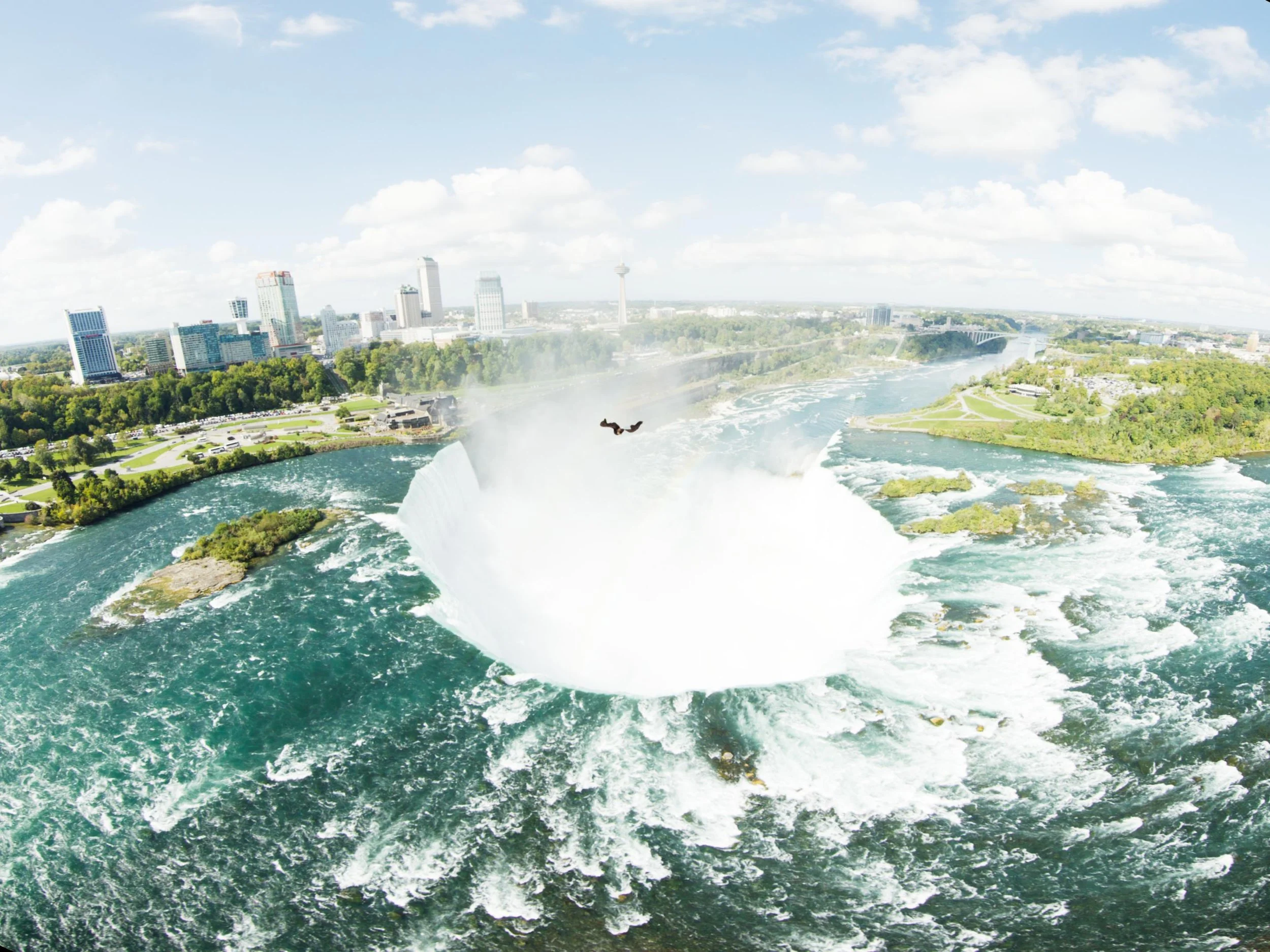
I had a very cool project this spring that I wanted to share. Let’s talk about high fashion, high resolution, and the high-difficulty world of 360-degree video.
Recently, I had the pleasure of jumping into the trenches for Balenciaga’s Fashion Week presentation. The setup was as ambitious as the clothes: a massive 360-degree rig, fully loaded with RED cameras, all feeding into a Disguise system to power a mind-bending visual experience.
My official job title for this gig? Just the colorist.
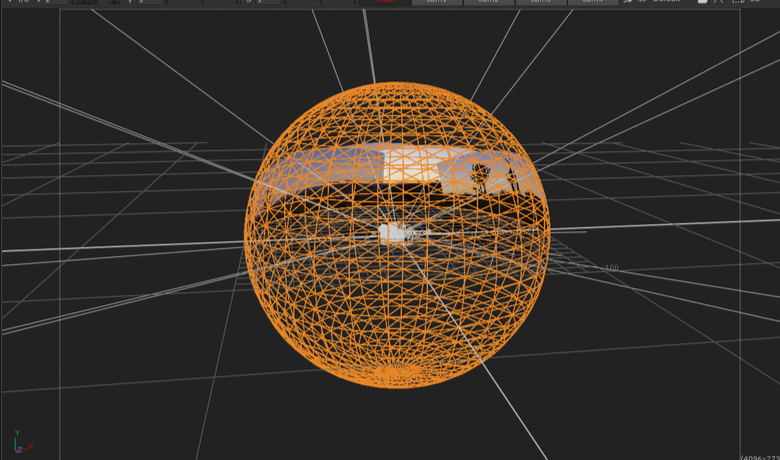
But anyone who has ever touched a multi-camera array knows that "just the colorist" is a trap. If you grade each camera feed in a vacuum, you are going to hand back a beautiful, completely disjointed mess. To ensure the color handed off seamlessly from one camera's field of view to the next, I had to step slightly out of my lane and build a temp stitch.
Here is a deep dive into how I tackled it, along with a few tips for anyone staring down the barrel of a multi-cam 360 project.
The Problem with 360 Color
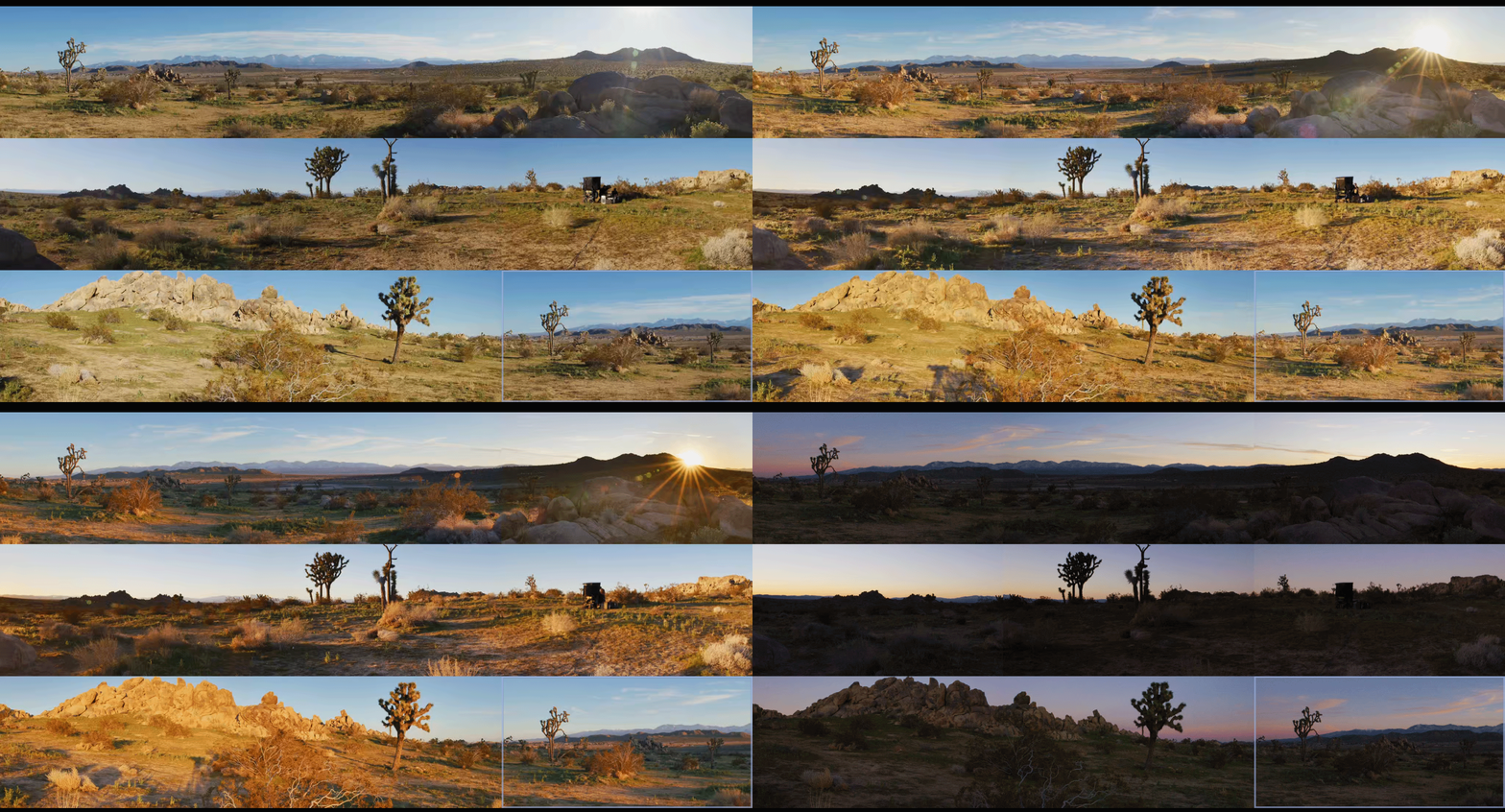
When you have a ring of RED sensors pointing in every direction, they are never going to see the world the exact same way. One camera is staring straight into a harsh sun; the next is catching the shadowy falloff. Even with perfectly matched settings, lenses have different characteristics, and sensors have micro variances.
When those images are graded, stitched together and pumped through a Disguise media server onto massive screens, any discrepancy in contrast or color balance at the seams creates a harsh, visible line. It shatters the illusion.
Enter the Temp Stitch
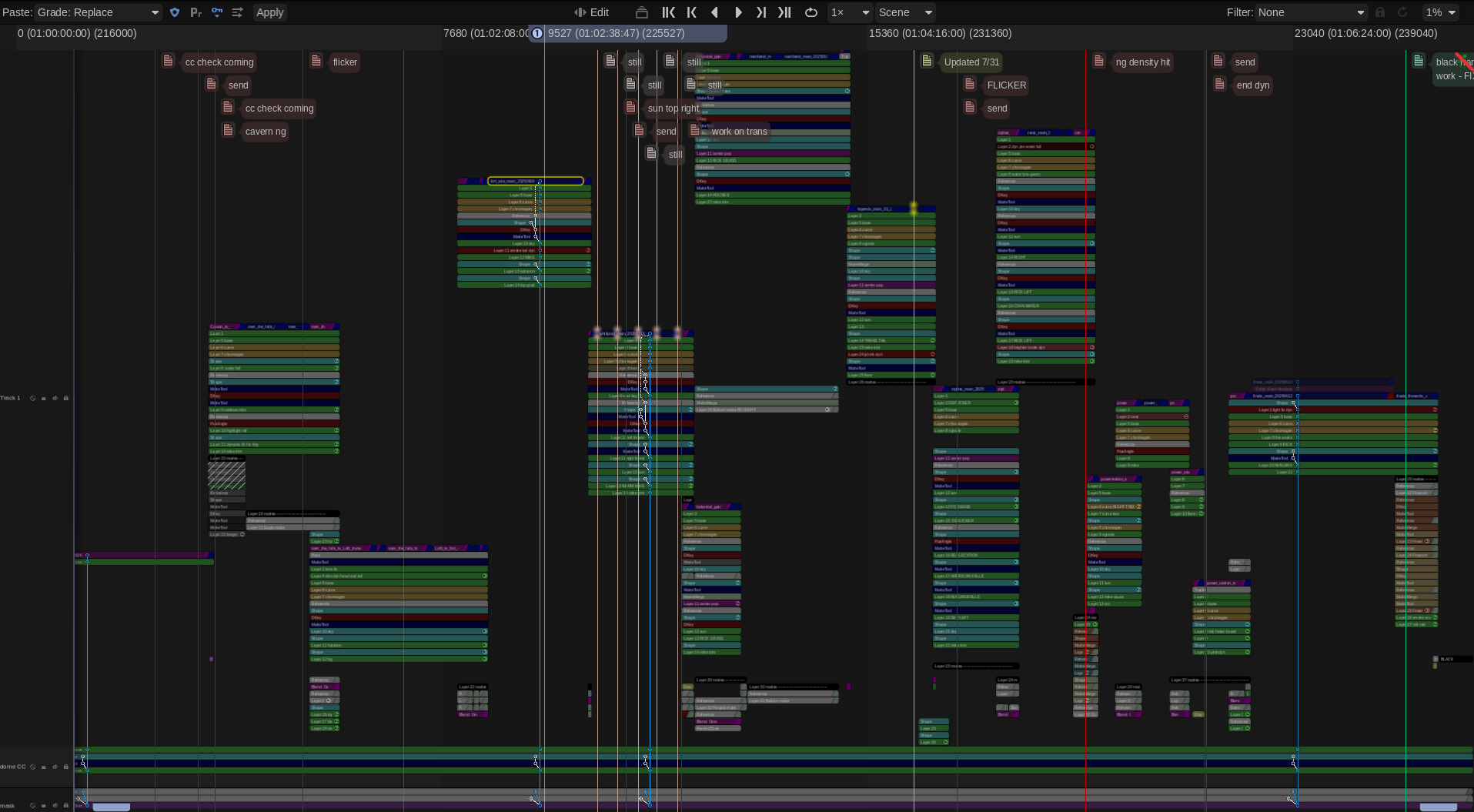
To fix the seams, you have to see the seams. I couldn't wait for the final VFX stitch to come back before doing my grades, so I built a quick-and-dirty temp stitch right in the color bay using Baselight’s 3x3 view mode.
Here are my top tips for managing the madness and making sure your handoffs are buttery smooth:
1. Color Management is Non-Negotiable
Before you even look at a seam, your color management pipeline needs to be bulletproof. Working in a scene-referred space (like ACES) is an absolute lifesaver here. By transforming all those RED raw files into a massive, unified working space, you ensure the math behind your exposure and contrast adjustments behaves predictably across the entire array. The next step is to build camera specific LUT’s that correct any sensor and lens discrepancies.
2. Flatten the Field (Beware the Vignette)
This is the silent killer of 360 stitching: lens vignetting. The center of a lens is always brighter than the edges. When you place two edges side-by-side in a stitch, you get a dark band down the middle of your overlap.
The Fix: Before you do any creative grading, you have to build a spatial correction to flatten the luminance across the sensor. Lift those edges so the base exposure is uniform corner-to-corner.
3. Grouping is Great, but Trims are Better
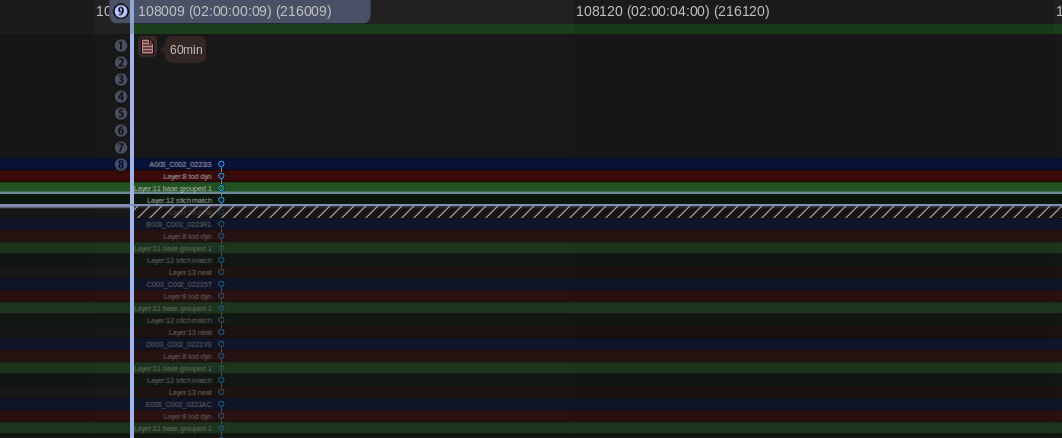
It’s tempting to group all the cameras together, slap a primary grade on, and call it a day. Do apply your base look at the group level, but the real work happens on the individual clip trims. The stack consisted of a grouped operator followed by and individual trim layer. I also added a key framed dynamic layer to control shadow detail as the sun set. You have to ride the offset and pivot on the adjacent cameras to feather the differences in lighting environments.
4. Build a Split-Screen Matrix
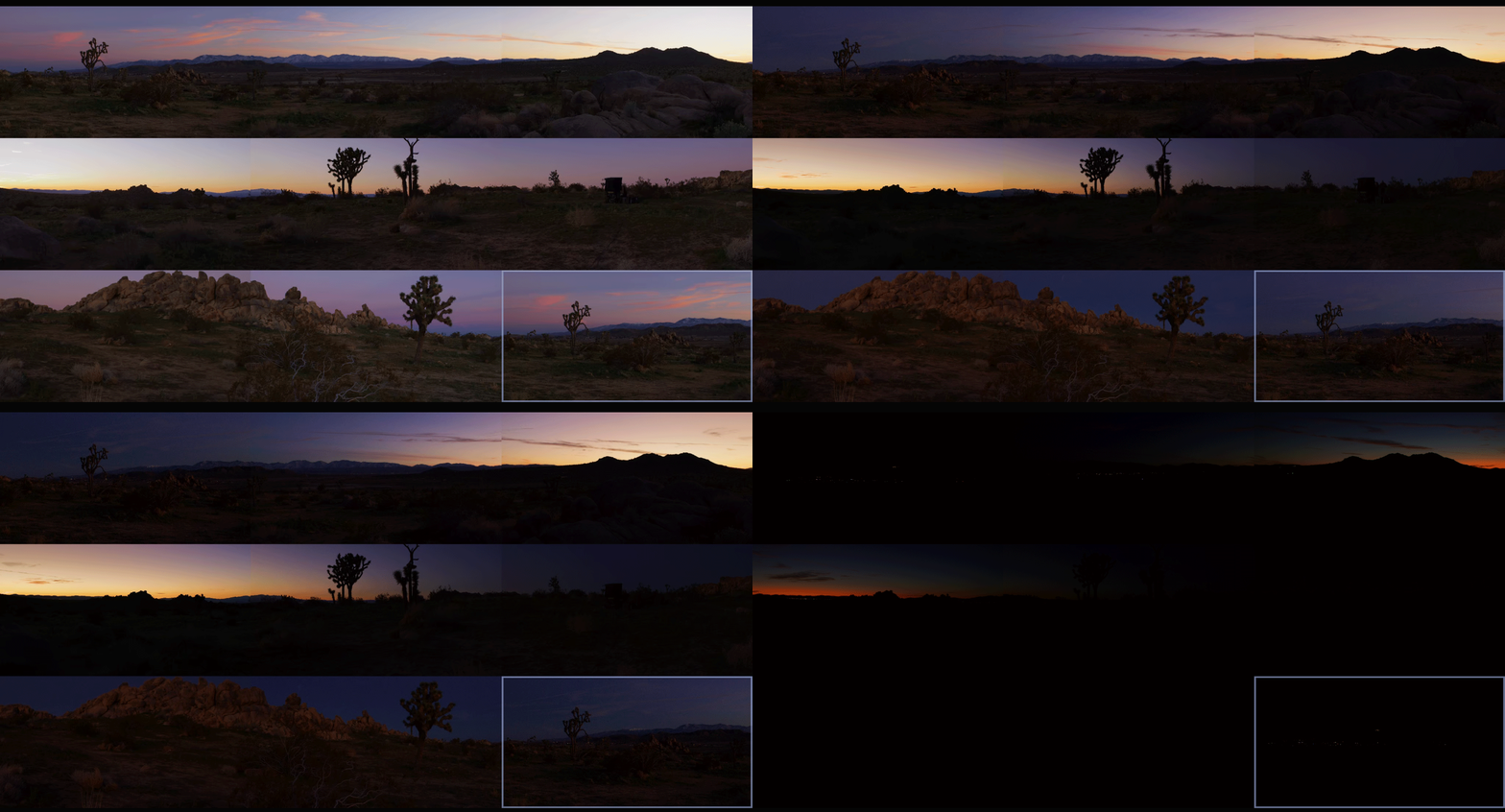
My temp stitch wasn't about perfect geometry; it was about perfect color geometry. I set up a workspace where I could view the overlapping edge of Camera A directly against the overlapping edge of Camera B in a split-screen. I just worked my way around the circle: A to B, B to C, C to D... all the way back to A. If A matches B, and B matches C, but the final camera doesn't match A, you have to go back and figure out where your exposure, contrast or color drifted.
5. Output for Disguise: The Final Bake to Notch LC
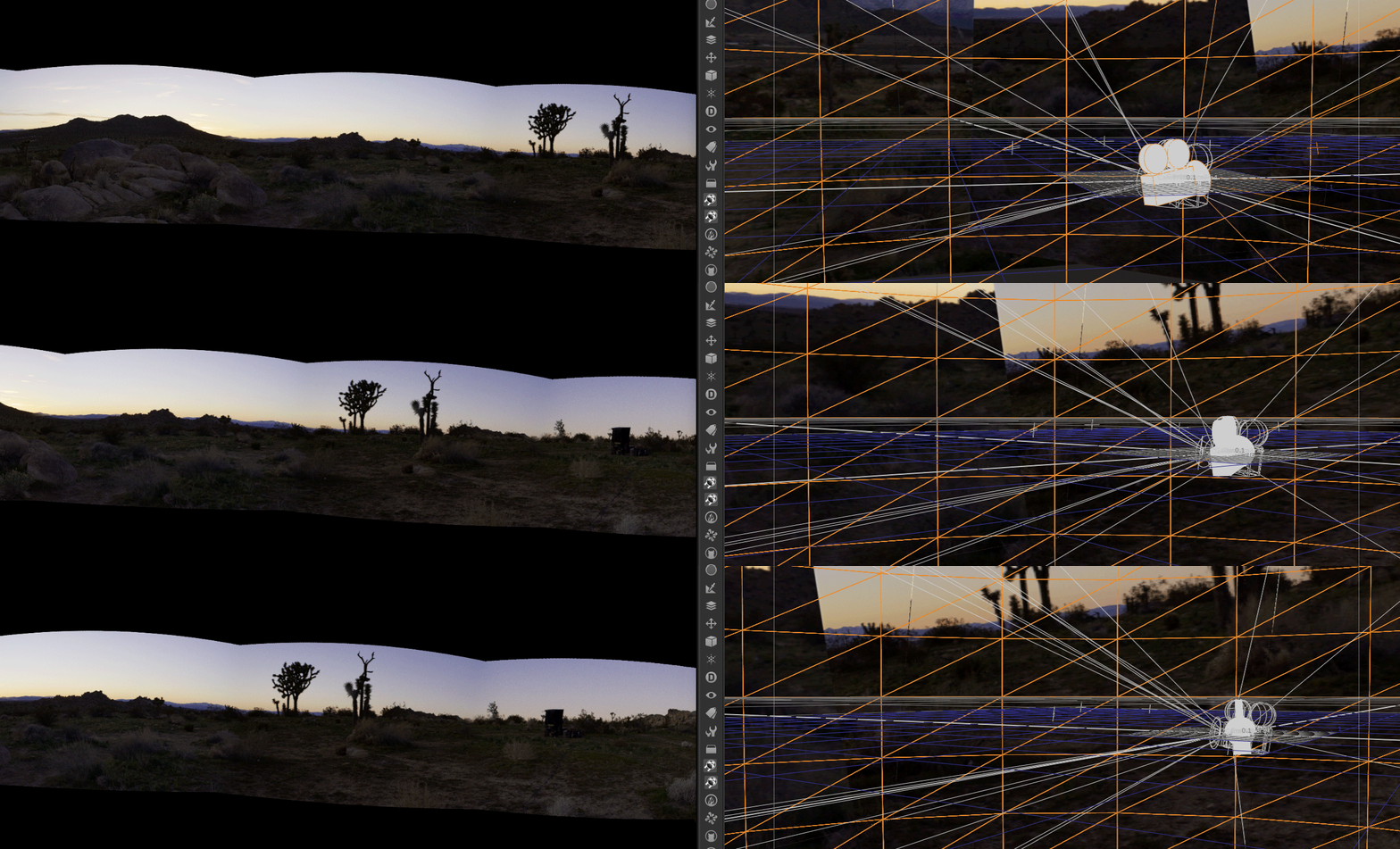
The Disguise system is incredibly powerful for mapping content to complex surfaces, but it demands technical precision. By doing the temp stitch and mocking up the final layout, I could render out test patches that matched the exact specs the Disguise operators needed.
Once the temp stitch did its job and the final grades were locked, it was time for the heavy lifting. The sheer volume of pixels in a 360 array is staggering, and for this project, we were delivering eight final outputs, each demanding pristine 4K resolution.
To get there, the pipeline was a two-step process. First, the grade was rendered out of the color bay as 10-bit DPX sequences. I love DPX for this stage because it is bulletproof—giving you uncompressed, perfect frames. Plus, if a render machine hiccups on frame 40,000, you don't lose a massive video file, you just re-render that single frame and move on.

However, if you try to make a media server play back eight simultaneous streams of 4K uncompressed DPX frames, it will simply say “computer says no.” To solve this, we took those massive image sequences straight into Adobe Media Encoder to crunch them down into the Notch LC codec. Today it’s built into Baselight, Mistika, etc, but at the time Adobe is what we needed to use. Notch is a 10-bit, GPU-accelerated video codec built specifically for media servers. It retains the immense visual fidelity and color depth of our DPX masters but plays back like absolute butter.
The Wrap-Up
Working with 360 rigs is a unique puzzle. It forces you to think spatially about your color pipeline. Building that temp stitch added a little extra time upfront, but it saved us from a mountain of headaches (and notes) on the backend. The REDs delivered gorgeous data, the fashion was couture and wonderful, and the seams? Completely invisible.
Thanks for reading and happy grading!
JD